
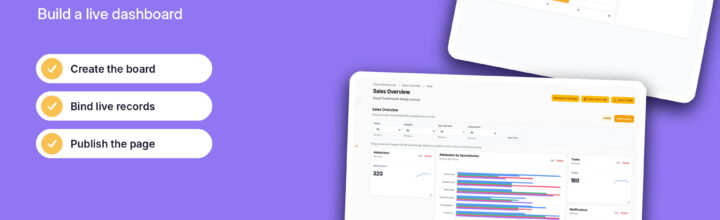
If you followed our earlier piece on Why FilamentPHP is Changing the Way We Build Laravel Admin Panels, you already know why the TALL stack (Tailwind CSS, Alpine.js, Laravel, Livewire) has become the go-to toolkit for shipping admin tooling in record time. Writing pure PHP resources, forms, and tables without wrestling single-page application boilerplate is an absolute productivity cheat code.
Filament provides a solid out-of-the-box Dashboard class with metric stat cards and widget grids. But as soon as stakeholders ask for interactive business reporting, modular widget positioning, and drag-and-drop customization, you run into the boundaries of static backend grid declarations.
That is where the Visual Dashboard Plugin for Laravel Filament comes in.
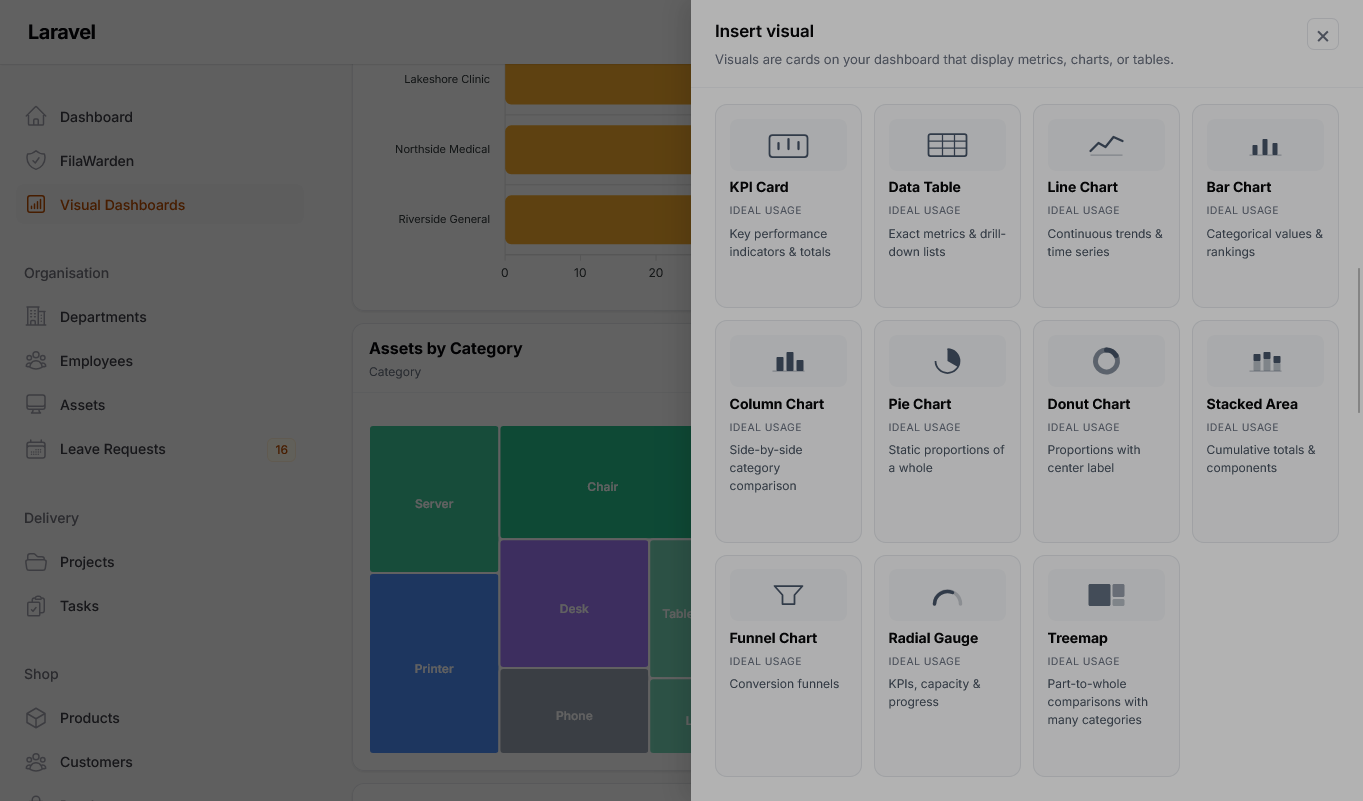
Why Move Beyond Default Filament Dashboards?
Standard Filament widgets (such as StatsOverviewWidget or ChartWidget) are configured by hardcoding column spans in PHP:
// Standard static column span in Filament
protected int | string | array $columnSpan = [
    'md' => 2,
    'xl' => 3,
];
This works great for fixed developer-defined panels. However, growing applications introduce challenges:
- Role-Segmented Views: Operations teams need pending fulfillment queues front-and-center, whereas finance teams require ARR, MRR, and gross margin trends.
- Layout Rigidity: Adjusting visual priorities previously meant modifying code and redeploying, rather than reconfiguring visual blocks on the fly.
- Data Density: Combining interactive Chart.js or ApexCharts graphs with metric cards quickly clutters mobile and smaller desktop breakpoints if layouts cannot adapt dynamically.
protected static bool $isLazy = true; so Filament hydrates the cards asynchronously over Livewire without blocking initial panel rendering.Core Features of the Visual Dashboard Plugin
- Adaptive Responsive Grid: Build responsive layouts with flexible 12-column spans that automatically scale down smoothly on tablet and mobile viewports.
- Native Widget Compatibility: Works directly alongside existing Filament widgets, custom Livewire components, and table resources.
- Theme & Dark Mode Out-of-the-Box: Built exclusively with Tailwind CSS utility classes, ensuring 100% aesthetic match with Filament’s theme tokens.
- Role & Permission Scoping: Isolate or reveal specific widget blocks depending on user permissions or multi-tenant organizations.
Quick Setup Guide
1. Install via Composer
Add the package to your existing Laravel Filament application:
composer require spiggle/visual-dashboards
php artisan vendor:publish --tag="visual-dashboards-config"
2. Register with your Panel Provider
Register the plugin inside your panel configuration provider, usually located at app/Providers/Filament/AdminPanelProvider.php:
namespace App\Providers\Filament;

use Filament\Panel;
use Filament\PanelProvider;
use Spiggle\VisualDashboards\VisualDashboardPlugin;

class AdminPanelProvider extends PanelProvider
{
    public function panel(Panel $panel): Panel
    {
        return $panel
            ->default()
            ->id('admin')
            ->path('admin')
            ->plugin(
                VisualDashboardPlugin::make()
                    ->enableCustomGrid()
                    ->defaultColumns([
                        'default' => 1,
                        'md' => 3,
                        'xl' => 4,
                    ])
            );
    }
}
3. Creating a Custom Analytics Card
You can create a visual chart widget extending the plugin’s base visual widget class:
namespace App\Filament\Widgets;

use Spiggle\VisualDashboards\Widgets\VisualChartWidget;

class RevenueTrendWidget extends VisualChartWidget
{
    protected static ?string $heading = 'Monthly Revenue Performance';
    protected static ?int $sort = 1;
    protected int | string | array $columnSpan = 'full';

    protected function getData(): array
    {
        return [
            'datasets' => [
                [
                    'label' => 'Gross Revenue ($)',
                    'data' => [14200, 19800, 26400, 31200, 38900, 45200],
                ],
            ],
            'labels' => ['May', 'Jun', 'Jul', 'Aug', 'Sep', 'Oct'],
        ];
    }

    protected function getType(): string
    {
        return 'line';
    }
}
Wrapping Up
Filament has revolutionized backend engineering by letting developers build full-fledged admin systems in pure PHP. Incorporating visual dashboards transforms standard monitoring screens into executive-ready control panels.
Are you customizing your Filament dashboards, or relying mostly on default widget grids? Let us know in the comments below!
Github Link: Spiggle Visual Dashboards



Leave a Reply